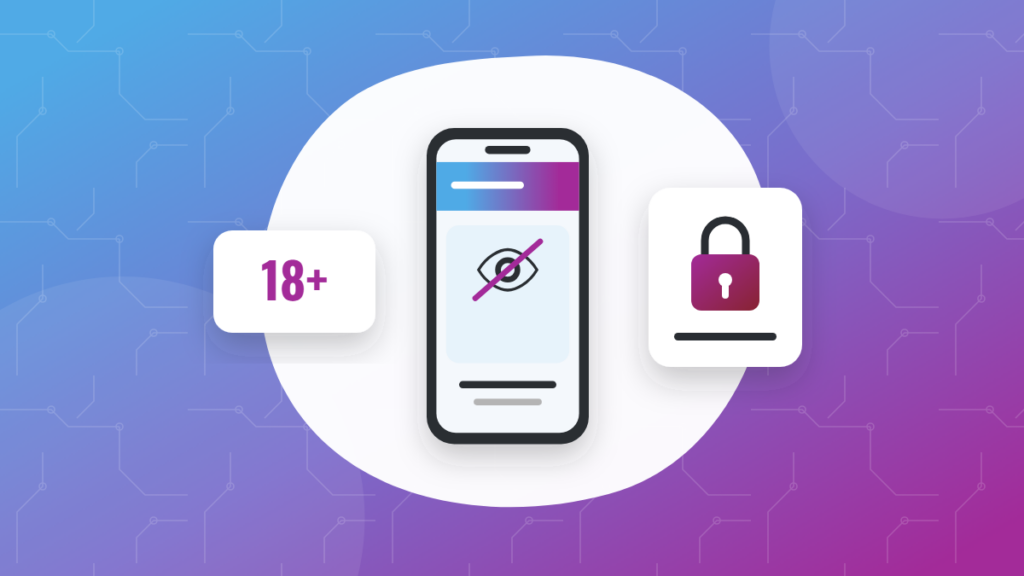
Telegram channel won't open? App store rules, sensitive content settings, deleted or banned channels and country restrictions: what causes it and what to do.
You tap a link to a Telegram channel and, instead of posts, you get a message saying the channel can’t be displayed. That does not necessarily mean something is wrong with your account or with the channel. The block can come from the version of the app you are using, a setting on your account, a moderation decision or a legal requirement in your country. This guide goes through the possible causes, from the most common to the least, and explains what you can do about each one, as well as what you should not do.
What the message actually means
“This channel can’t be displayed” means Telegram is applying a restriction to that channel for you, on the device you are using. The channel may well exist and be perfectly readable elsewhere. Sometimes the message adds a reason, such as a breach of platform guidelines or of local laws. Read it carefully, because it is your first clue as to which situation you are in.
Similar messages also exist, such as channel not found, invalid link or access denied. They have different causes, which are covered further down.
App store restrictions
This is by far the most frequent reason. Telegram apps downloaded from the official app stores on iOS and Android have to follow those stores’ rules, which tightly control certain kinds of content, adult content in particular. To comply, Telegram hides channels flagged as sensitive in those versions. The very same channel can therefore be blocked on your phone and fully visible on your computer.
The sensitive content setting
Telegram offers a setting that lets adult users show sensitive content. It usually cannot be changed from the mobile apps distributed through app stores, but you can generally find it in the web version or the desktop app, under Settings, in the Privacy and Security section. The exact wording and location vary from one version to another.
- The setting is meant for adults only and assumes the content is legal where you live.
- It is tied to your account, so once enabled it may carry over to your other devices, although some mobile versions keep hiding these channels anyway.
- It only lifts filtering based on sensitive content. It will not unlock a deleted channel or one restricted for legal reasons.
Deleted, banned or private channels
If the message mentions broken rules, or if the channel cannot be found on any device, you are probably looking at one of these cases.
- Banned by Telegram: the platform shuts down channels that break its terms of service, for example for piracy, illegal content, scams or spam. A banned channel does not come back.
- Deleted by its owner: the link then leads to an empty page or a notice saying the channel does not exist.
- Renamed or switched to private: the old public link stops working. The channel is still there, but you need its new @username or an invite link.
- Removed by an admin: if you were kicked out of a channel or group, you can no longer access it from that account.
Country and legal restrictions
Telegram may limit access to specific channels in a given country following a court order or a request from the authorities. In that case, the channel stays visible from other countries but not from yours, and the message usually refers to local laws.
We will never advise you to get around a restriction of this kind. A legal block exists for a specific reason in your country, and trying to bypass it could put you at legal risk. If the content is legitimate, the channel often has other official ways of sharing its updates, which it announces itself.
What to do, step by step
- Read the whole message: a mention of app store guidelines, Telegram’s terms or local laws points you straight to the cause.
- Check the @username: a typo or an outdated link is enough to make a channel impossible to find. Compare it with the source where you found the link.
- Update the app: an older version may show errors or handle certain content badly.
- Try another platform: open the channel in the desktop app or Telegram’s official web version. If it shows up there, the restriction comes from the mobile app.
- If you are an adult and the content is legal where you live, look at the sensitive content setting described above.
- If nothing works, assume the channel has been deleted, banned or restricted in your country, and move on.
Do you run the channel in question?
If your channel is being flagged as sensitive for no good reason, go back over your posts, your profile photo and your description, since a single explicit image can be enough to trigger it. A channel with clear, legal and regular content is the best way to stay visible to everyone. That is also what we check before listing a channel, so if yours meets those standards, you can submit your channel to Top Telegram.
Frequently asked questions
Why does the channel open on my computer but not on my phone?
Mobile apps downloaded from the official app stores enforce stricter rules on sensitive content. The desktop app and the web version are not bound by the same constraints.
Does the sensitive content setting unlock every channel?
No. It only applies to channels filtered because they are considered sensitive. A channel that has been banned, deleted or restricted in your country for legal reasons stays out of reach.
Can a banned channel come back?
A channel closed by Telegram for breaking its rules does not return under the same name. Be careful with copies claiming to be “the new official channel”, as this is a common trick to lure former subscribers.